
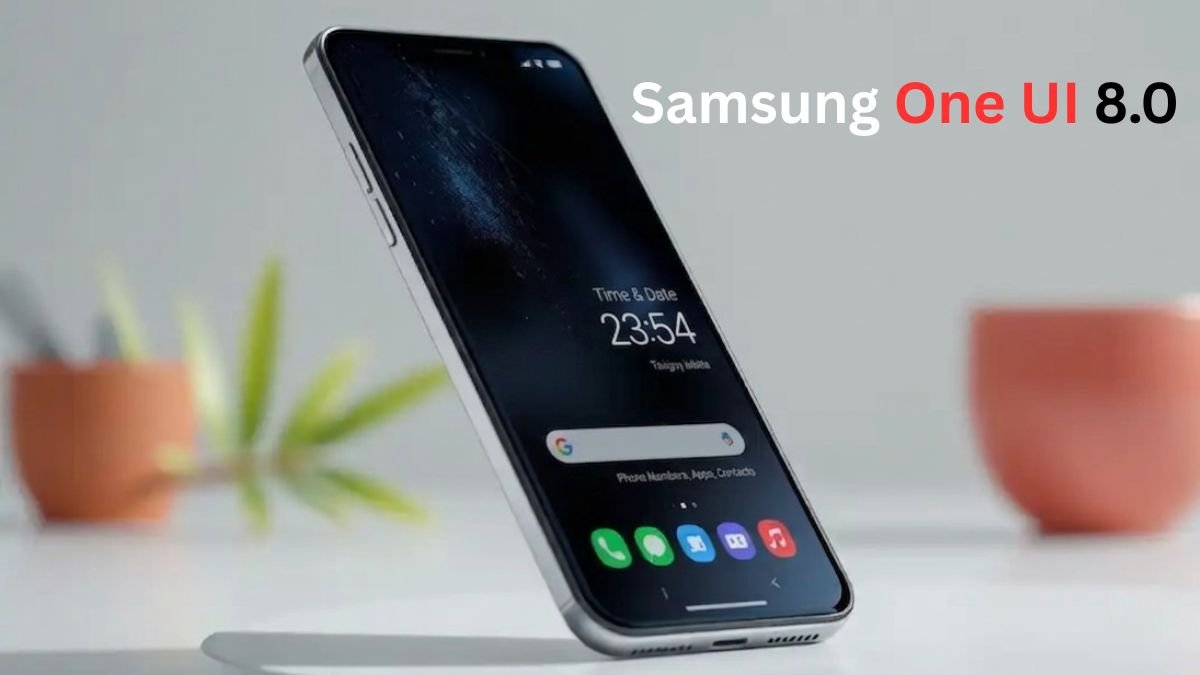
Samsung has completely redefined the Android experience with One UI. Gone are the days of the laggy “TouchWiz.” Today, One UI stands as the gold standard for customization, productivity, and artificial intelligence integration. Whether you are using a flagship Galaxy S-series or a budget-friendly M-series, the Samsung One UI features and hidden tips 2026 will help you master your device.
In this deep dive, we will explore why Samsung’s software is considered superior to even Google’s own Stock Android and how you can squeeze every bit of performance out of your phone.
Table of Contents:
1. The Evolution of One UI: From Simplicity to Intelligence
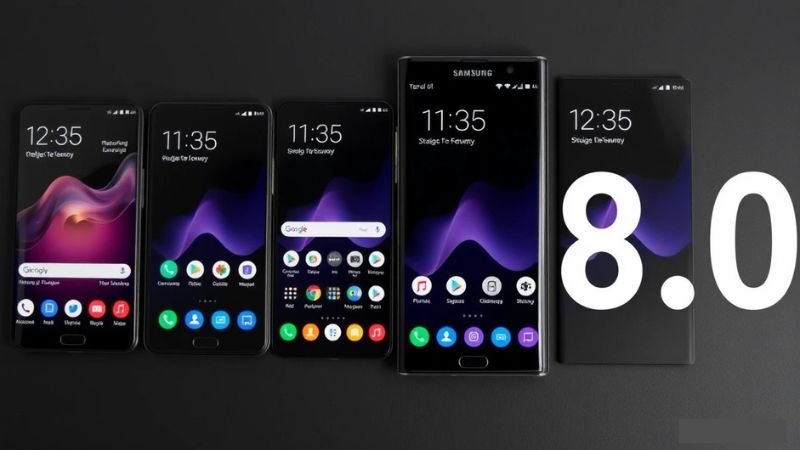
When One UI was first introduced, its primary goal was “one-handed usability.” By shifting interactive elements to the bottom half of the screen, Samsung solved the problem of increasingly tall displays.
Now, with the latest versions, the focus has shifted toward Galaxy AI. The Samsung One UI features and hidden tips 2026 highlight how your phone now learns your habits. It’s no longer just an interface; it’s a proactive assistant that knows when you’re going to sleep, when you’re driving, and which apps you’re likely to open next.
2. Galaxy AI: The Crown Jewel of One UI
Artificial Intelligence is the soul of the modern Galaxy experience. In our analysis of Samsung One UI features and hidden tips 2026, the AI features stand out the most:
- Live Translate: Real-time voice and text translations during phone calls.
- Note Assist: Automatically summarizes long meeting notes and formats them perfectly.
- Generative Edit: Move or remove objects from your photos seamlessly.
- Circle to Search: A game-changer for mobile browsing—just circle anything on your screen to find it on Google instantly.
Also Read: OnePlus Ace 2 Review: Still the Performance King in 2026?
3. Customization: Making Your Galaxy Truly Yours
One of the biggest reasons users stick with Samsung is the level of control. The Samsung One UI features and hidden tips 2026 include:
- Lock Screen Magic: You can now add widgets directly to your lock screen and use video wallpapers that react to your touch.
- Color Palette (Material You): One UI takes Android’s color extraction to the next level, applying your wallpaper colors to icons, menus, and even third-party apps.
- Good Lock: This is the “God Mode” of Samsung customization. If you haven’t installed Good Lock from the Galaxy Store, you are missing out on 50% of your phone’s potential.
4. Productivity and Multitasking: A Desktop in Your Pocket
No other Android skin handles multitasking as well as One UI.
- Samsung DeX: Connect your phone to a monitor or TV, and it turns into a full desktop computer.
- Edge Panels: Swipe from the side to access your favorite apps, tools, or contacts instantly.
- Split Screen & Pop-up View: Run three apps at once—perfect for the Galaxy Fold or Ultra models.
5. Hidden Tips to Boost Performance
To keep your phone running like new, follow these Samsung One UI features and hidden tips 2026:
- Auto Optimization: Set your phone to restart automatically when you’re sleeping. This clears the cache and keeps the system snappy.
- RAM Plus: Use your internal storage as virtual RAM to handle more background apps.
- Battery Protection: Limit charging to 80% to extend the long-term health of your battery.
Also Read: OnePlus Nord 6 5G Review 28 Days: Still the Mid-Range King or Just Hype?
6. Privacy and Security: Knox Matrix
Samsung Knox is the foundation of One UI’s security. In this Samsung One UI features and hidden tips 2026 guide, we must mention:
- Secure Folder: An encrypted space to hide your private photos, apps, and documents.
- Auto Blocker: Prevents app installations from unauthorized sources and blocks malicious USB commands.
7. One UI for Every Screen: Ecosystem Continuity
Samsung has built an ecosystem that rivals Apple. If you own a Galaxy Book, Galaxy Buds, and a Galaxy Watch, the Samsung One UI features and hidden tips 2026 allow you to:
- Auto Switch Buds: Your headphones will switch from your tablet to your phone automatically when you receive a call.
- Link to Windows: Access your phone’s apps and notifications directly on your PC.
8. The Future: What’s Next in One UI 8.0?
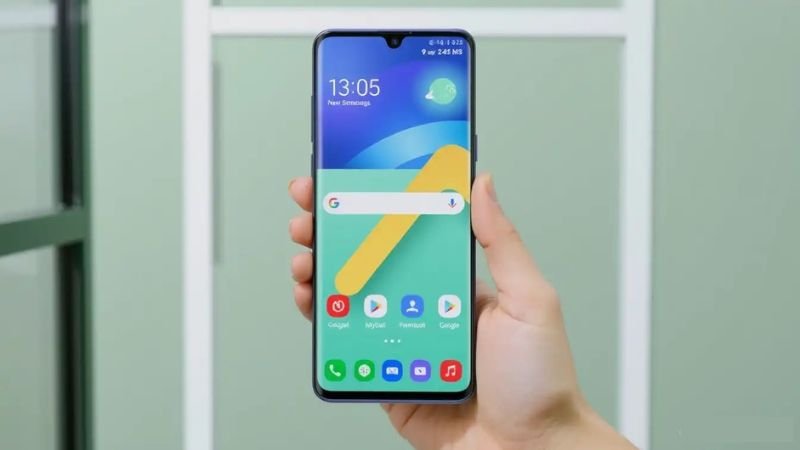
As we look forward, the Samsung One UI features and hidden tips 2026 suggest a move toward even more “Fluid UI” animations and deeper integration with smart home devices via SmartThings. Samsung is working on making the UI even more lightweight to ensure that mid-range phones feel as fast as flagships.
Samsung One UI Specifications & Comparison
| Feature | One UI 7.x/8.0 | Stock Android |
| Customization | Extremely High (Good Lock) | Moderate |
| Multitasking | Superior (DeX, Edge Panels) | Basic |
| AI Integration | Galaxy AI (Deeply Integrated) | Gemini (App Based) |
| Updates | Up to 7 Years (Flagships) | 3 to 7 Years |
9. The Camera App: Professional Tools for Everyone
Samsung’s camera software is a major part of the One UI experience. While the hardware is great, it’s the software that does the heavy lifting.
- Expert RAW Integration: Directly integrated into the camera app, Expert RAW allows you to capture 16-bit RAW files, giving you total control over editing.
- Director’s View: Record from the front and back cameras simultaneously—a must-have for vloggers.
- AI Image Clipper: In the gallery, you can long-press on any subject (person, pet, or object) to instantly clip it out and save it as a sticker or a transparent PNG. This is one of the most fun Samsung One UI features and hidden tips 2026.
10. One UI for Foldables: The Flex Mode Advantage
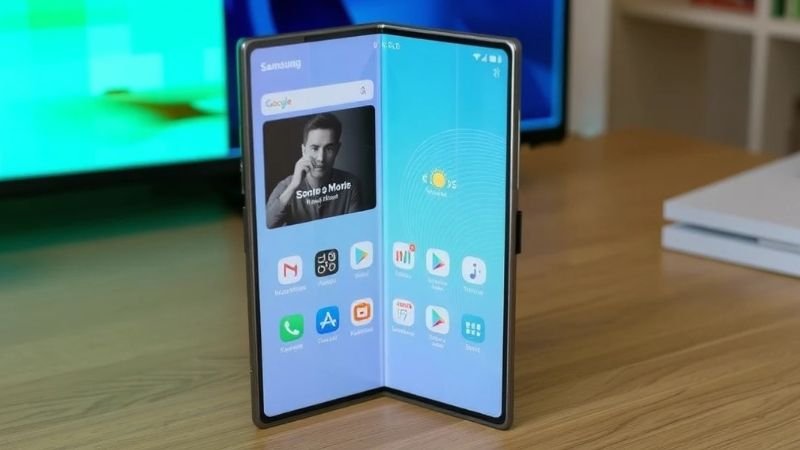
If you are using a Galaxy Z Fold or Z Flip, One UI transforms into something entirely different. The “Flex Mode” is a specialized software state where the UI splits when the phone is half-folded.
- Taskbar: On the Fold series, you get a PC-like taskbar at the bottom, making app switching as fast as a laptop.
- App Continuity: Start an email on the cover screen and open the phone to see the app expand seamlessly to the larger display.
- Cover Screen Customization: For Flip users, One UI allows you to run full apps on the small outer screen using the “Good Lock” Multistar module.
11. Sound Assistant and Audio Mastery
Most users don’t realize that One UI offers the best audio control on any smartphone. Through the Sound Assistant module, you can:
- Individual App Volumes: Play music on Spotify at 50% volume while playing a game at 10% volume simultaneously.
- Multi-Sound: Force the phone to play audio from two different apps at the same time (e.g., YouTube and Instagram).
- Separate App Sound: Send your music audio to a Bluetooth speaker while keeping your phone’s notification and system sounds on the phone’s internal speaker.
12. Modes and Routines: Automating Your Life
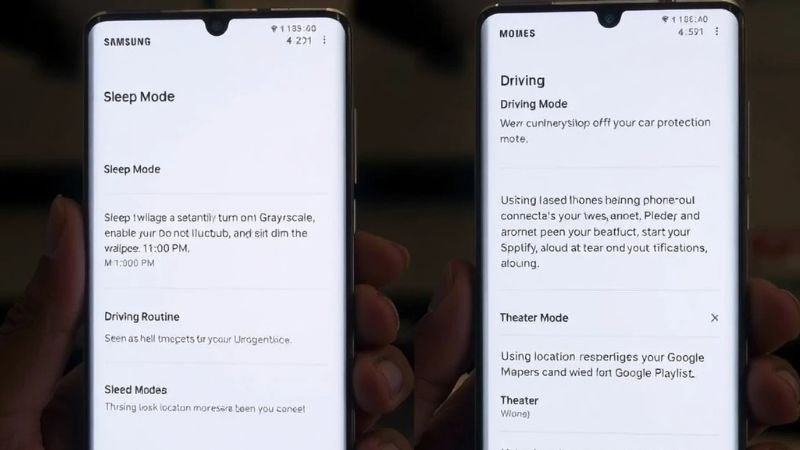
One of the most underrated Samsung One UI features and hidden tips 2026 is the “Modes and Routines” section. This is Samsung’s answer to IFTTT and Apple’s Shortcuts, but it’s much easier to use.
- Sleep Mode: You can set your phone to automatically turn on Grayscale, enable Do Not Disturb, and dim the wallpaper at 11:00 PM.
- Driving Routine: As soon as your phone connects to your car’s Bluetooth, One UI can automatically open Google Maps, start your Spotify playlist, and read your notifications aloud.
- Theater Mode: Using location-based triggers, your phone can automatically go into silent mode whenever you enter a cinema hall. This level of automation is why Samsung One UI features and hidden tips 2026 are highly recommended for busy professionals.
13. Gaming Hub: The Ultimate Mobile Console Experience
Samsung has rebranded Game Launcher to Gaming Hub. It’s not just a folder for games anymore; it’s a performance suite.
- Game Booster: One UI monitors your device’s temperature and battery level to optimize frame rates.
- Pause USB Power Delivery: This is a killer feature for gamers. When plugged in, the phone bypasses the battery and powers the processor directly, reducing heat and protecting battery health. This is a top-tier tip in our Samsung One UI features and hidden tips 2026 list.
14. Accessibility: Technology for Everyone
Samsung’s commitment to inclusivity shines through One UI’s accessibility settings.
- Live Transcribe: For users with hearing impairments, the phone can transcribe speech into text in real-time.
- Bixby Text Call: If you can’t speak, you can type a response, and Bixby will read it to the caller in a natural voice.
- Color Correction: Specialized filters for users with color blindness to make the screen more readable.
15. One UI vs. The Competition: Why Samsung Wins
To wrap up our Samsung One UI features and hidden tips 2026 guide, we must compare it to rivals like OxygenOS or HyperOS. While others focus on speed alone, Samsung focuses on “Feature Density.” There is almost nothing you can’t do in One UI without needing a third-party app. From a built-in screen recorder to a powerful video editor and a native document scanner, One UI is a complete OS that respects the user’s need for utility.
Frequently Asked Questions (FAQs)
1. Is One UI better than Stock Android?
Ans: While Stock Android is cleaner, Samsung One UI features and hidden tips 2026 offer much more functionality and customization options for power users.
2. How do I make my Samsung phone faster?
Ans: Go to Settings > Device Care > Auto Optimization and enable “Restart when needed.” Also, reduce animation scales to 0.5x in Developer Options.
3. Which phones will get the next One UI update?
Ans: Most S-series (S21 and newer), Z-series, and recent A-series models are eligible for long-term updates.